
 RSS Feed
 May 20, 2015 14:37
 Tumblr
Hi! I have this tutorial from a while ago about how I shade, I pretty much still do it the same way for most things. Hmm, which backgrounds? only ones I’ve done lately have been for those Dragon Age cards…so I’ll show how I do that! :D

I’ll go through how I go about doing something like this- I use both SAI and PS
First I block out all of the colours, each colour or object has it’s own layer

Next add in lines and extras (sometimes I’ll do this after shading and base it more on how that comes out). I use both a standard brush and a solid rough one.

Then shading! I pick all of the colours out of colours I’ve already used. So the light green will be shaded with dark green, the dark green shaded with brown. The shading is done directly on to each layer, having them split helps spillage!

This generally leaves hard lines unless I’ve used several colours to build up layers. So I’ll blur some of them out a bit.

Now I switch from SAI to PS, here I use levels to fix up the colours (I work on a cintiq up until now, the colours differ greatly from my main monitor colours)

Usually I’ll do this before leveling, here I’ve decided to do it after. Taking one of my watercolour textures and setting the layer style to overlay (the layer is only black! the white is only so you can see it)

The very last thing I do is a little scratchy acrylic texture! this is just applied as a normal layer (here the layer is only white! the black is so you can see it)

And that’s it~ I use methods like this for a few kinds of pictures, so if it’s textured I’ve probably done something like this.
 236 notes
 Reblog
 Follow
May 20, 2015 13:10
Tumblr
Anonymous: What textures did you use in your dragon age inquisition cards?
I use a combination of hand made textures and SAI brushes :) these are the brushes I commonly use in SAI for bits that’ll be textured later, I tend to mess around with these settings as I work.

after painting everything I have a set of textures and brushes in PS(this is a small selection of my commonly used ones)

All of these are made from either watercolour, acrylic or marker sheets I’ve made up. I have a tutorial here that covers how to turn them into textures!

and here’s what the progression looks like!

generally I’ll use the textures with their layer type set to Overlay unless I want something sharp, in which case I’ll leave it normal and just colour it.
May 18, 2015 16:09
Tumblr
Anonymous: hi hi I was just wondering if it would be possible to get your DAI cards as iphone/ipod cases, if thats possible!
I’m quite happy to upload whichever design you’d like to either my Red Bubble or Society6 :) just let me know which site you prefer if any, and which design you’d like! (there are 18 cards now so it’d take a while to add them all…)
This goes for virtually any of my work and whatever you’d like to buy it on!…as long as it’s available on either of those two sites XD it also helps if you ask off anon if you make a request! that way I can send links privately and not spam everyone :)
May 18, 2015 10:35
Tumblr


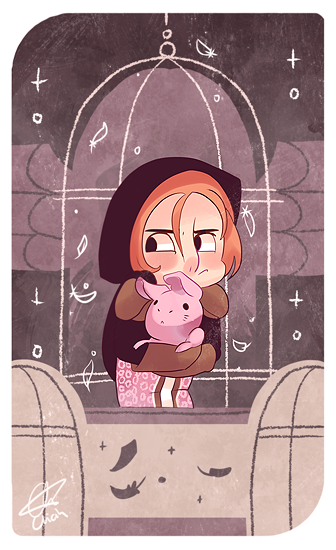
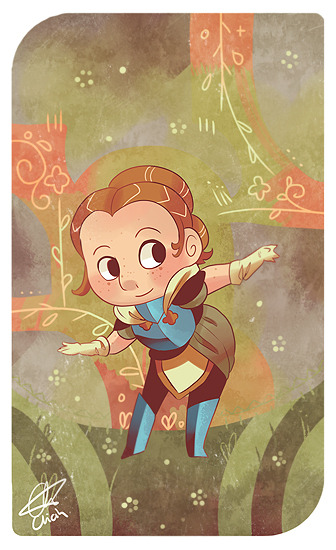
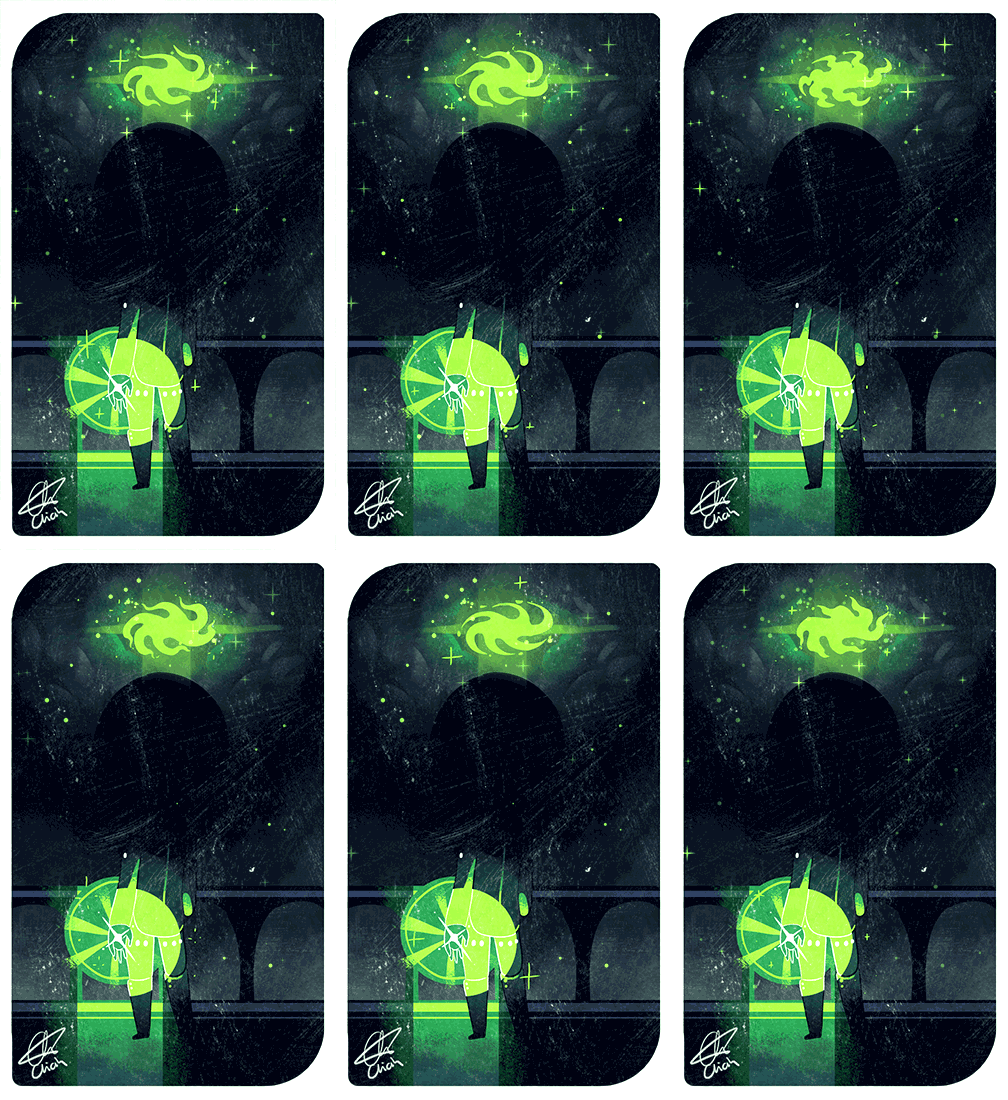


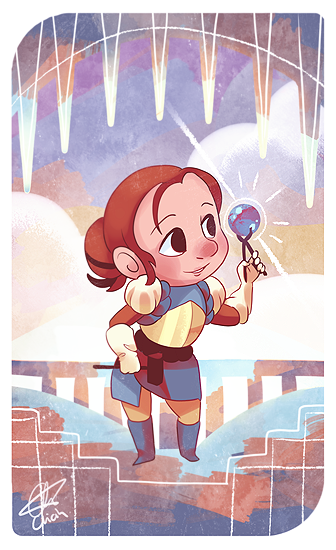

Part 2 Skyhold Chibi things! …but only the Inquisitor is animated this time…and there isn’t any theme with the backgrounds cause I did them in a weird order XD heh
CAMPSITE SET | KIRKWALL SET | SKYHOLD SET | SKYHOLD PART 2 | Josephine | Cullen | Leliana | Harding | Krem | Inquisitor | Morrigan | Dagna | Dennet
May 18, 2015 10:31
Tumblr

Decided on a little Dennet for the last in the set :) plus a bunch of mounts~
Josephine | Cullen | Leliana | Harding | Krem | Inquisitor | Morrigan | Dagna | Dennet | ALL TOGETHER
…wish I had of posted these in a different order…poor Dennet has to be all by himself…
May 14, 2015 13:22
Tumblr


Ayyyyy new Amethyst! got there eventually XD I also recorded this one! you can watch it here :)
Garnet | Amethyst | Pearl | Steven | Rose | Sugilite | Opal | Lapis | Alexandrite | Peridot | Stevonnie | Ruby | Sapphire | Jasper | Malachite | Young Gems | Cluster | Rainbow Quartz | Sardonyx | First Garnet | Blue Diamond | Yellow Diamond | Blue/Yellow Pearls |
May 14, 2015 09:36
Tumblr
Anonymous: Would you be doing online tumblr lessons. Showing how you do all the stuff from animating to doing character creations. Like how to videos 😁😁😁
Probably not, but I’m happy to attempt to make a tutorial of some kind for anything! and that could involve something in video form :) if anyone finds something I’ve made and they’d like to know how I did it then feel free to send me a message with a link! next time I do something similar I’ll record myself or take little progress bits.
May 13, 2015 18:01
Tumblr
giraffectionate replied to your post: Hi I was wondering how did you did the
I don’t really understand the blob thing? How does that help I’m so confused.
Oh! it’s only useful if you’re working perfectly symmetrical! when you flip an object it does so in relation to the object, not the canvas. So when you flip an object, it’ll be in the same spot as it was just flipped(in my example I’ve already moved the arm in to the right spot!).
If you want it on the opposite side of the canvas as well as flipped you need to add junk in the corners so the layer is treated as a canvas sized image.
if that makes sense ^^’ sorry, it’s a bit weird.
May 13, 2015 15:38
Tumblr
Anonymous: You can flip a single layer in PS. You go to Edit > Tranform instead of flipping the whole image in the Image menu. Going Edit > Trasform > Flip Horizontal (or flip vertical or whatever) will flip the active layer you're on OR if you have selected something on your active layer will flip that selection.
Oh! thanks for letting me know! I was sure it was somewhere XD hehe
I’ll add that to the post :) thanks again!
May 13, 2015 14:43
Tumblr
Anonymous: Hi I was wondering how did you did the thing in the speedpaint of connie where you like duplicated her arm so you wouldn't have to draw it again? Sorry if I'm not specific I just don't know what it's called lol
No problem, I know exactly what you’re talking about! :) I tend to do this a bunch if I’m either working symmetrically or to help with proportions on opposite limbs. As far as I know you can’t do this in PS, cause you can only flip the whole file and not a single layer.
So you’ve drawn a super amazing arm and want another one! First duplicate the layer, flip it horizontally:

then just move your new arm into place! TA-DA!

If you’re working perfectly symmetrical you can add some blobs in opposite corners, so when you flip it it stays in the right spot!

Hope that helps! :D
Anonymous: hi I was wondering how do color your art and how do you make your beautiful backgrounds?